Google
 
Add to Technorati Favorites architect studio
Showing posts with label sketchup effect. Show all posts

Wednesday, May 11, 2011

Solid color, by AR:2

 Osman Insurance by AR:2
M199 by AR:2
Commercial Road by AR:2 
I believe you and I like to use solid color for your SketchUp model, as opposed to mono tone mentioned in early post, this is good especially when you have material idea in your mind during the design process. Here are some samples designed by Australian architect AR:2, their design is contemporary, clean and bold.

Also visit their website for other related projects built by SketchUp.

Images © AR:2

Monday, May 09, 2011

Mono tone, by PHAB architects


Camp Hill Residence, Brisbane

Bardon Residence 2, Brisbane

Bardon Residence 2, Brisbane


Windsor Residence, Brisbane
Here are the few beautiful single house projects by Australian firm PHAB architects, they are presented in mono-tone, this method is most of architects' preferred presentation style in conceptual stage for formal expression. If you noticed, there are a wire frame next to the objects, it is good that if you wish to show its surrounding situation in relation with your house, while still keep the house as the main focus point in the drawing.

Some designers build white base for surrounding (which is in white solid), if your house design has striking color, then you can go ahead with this contrast method. Otherwise you will lose the design.

Hope this helpful.

Images © PHAB architects

Tuesday, April 05, 2011

Water color effect, by Heterarchy Ltd


If you get bored of the SketchUp default effects, you can try this sketchy yet presentable effect by Heterarchy Ltd, it looks like watercolor effect, very soft, and feeling comfortable.

You can achieve it in 2 ways, either going to built-in plugin where is available from the top menu in window > styles >, there are few options that you can play with, and of course it is able to edit to your preferences, but some mapping you may need to do it in photoshop.

Or

Touch-up in photoshop after exporting from your SketchUp, you may need some photoshop skills.

For me, I would prefer using built-in effect because it would save you a lot of time in photoshop if you have a lot of images to present, however, if you only have few nice images to show, please do not hesitate to do it in photoshop, it is a very powerful tools to enhance your presentation style and overall effect.

Have fun!

Images © Heterarchy Ltd
via

Thursday, February 12, 2009

Sketchy effect, by BEHNISCH archietcts

Anting New Town Sports Complex

Millenium Biologix - Headquarters & Research Facilities

I like Behnisch archietcts's presentation style, because the way they present their works is very clean and sketchy.

Millenium Biologix
proposal, one of the Sketchy model, the effect can be achieved by extending the edge lines which can be set in the 'Edge style - extension' option.

Images © Behnisch archietcts

Saturday, November 29, 2008

Clean presentation style in Sketchup, by Pott architects

This is an art campus design proposal in berlin, designed by Pott architects. I personally like this kind of presentation style as it is simple, nice and straight forward, no any unnecessary work required that spending time in full rendering. The design and images are copyrighted to Pott architects.

Friday, August 22, 2008

Podium 1.5 working in Sketch Up

image © Christ Haseldonckx, a.k.a.‘biebel’

SU Podium is a photo-realistic rendering plug-in for Google SketchUp 6. Now, you can run a TRUE photo-realistic effect rendering program from your sketch up model without going through too many complex processes.

"Podium runs completely inside Google SketchUp from start to finish. It uses SketchUp features such as textures, background colors, groups and shadows to achieve impressive results. Podium is intuitive to SketchUp users."

Here are a free evaluation version to download and play with it, no expiry. Some more this version is exactly the same as commercial version just only the smaller outputs (320x120, 500x500 image resolution). Before doing anything, let's browse through the video tutorial for your better familiar with the program.

Saturday, May 03, 2008

Beijing Airport by sketch up

wow! the world's largest airport in Beijing, China. Developed by Sketch up.

Sunday, April 27, 2008

from sketch up to 3D studio MAX

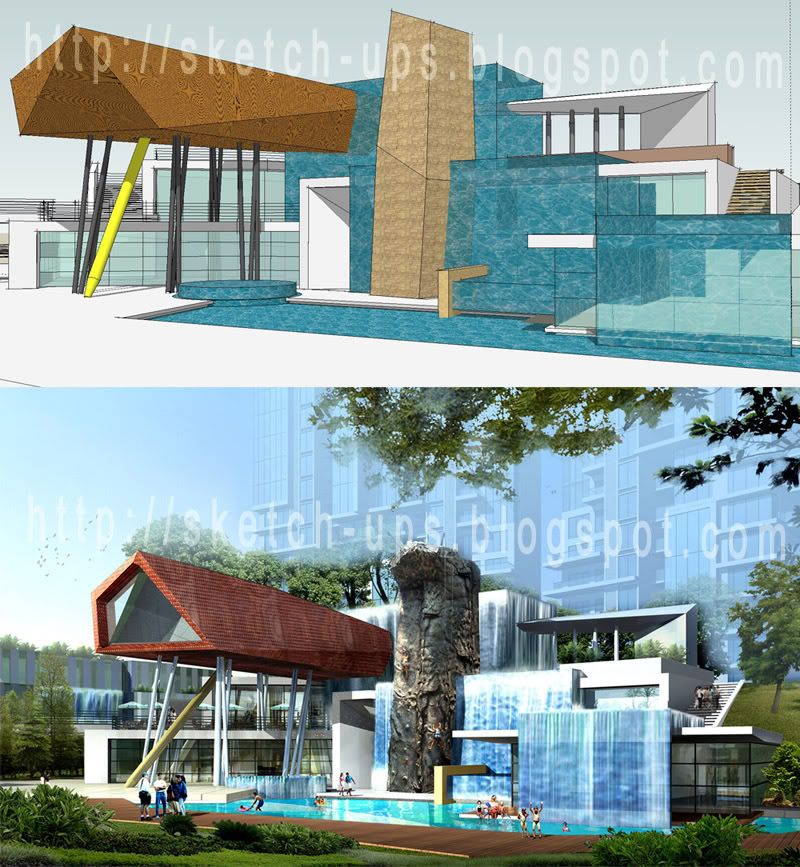
This is a demostration of modeling by sketch up and run the full rendering in studioMAX for the final presentation to your client. You can still have some final touch up in Photo shop (waterfall effect, background, tree, people etc).

Thursday, April 10, 2008

Sketch design, 2D + 3D

The presentation of sketch elevation design in sketch up with the CAD lines (both elevation and plan) which are laid in layers vertically and horizontally as shown in picture. It looks pretty cool right....

Sunday, January 20, 2008

Riverwood mixed-use project sketch up samples, by HOK international

Drawing courtesy HOK
Here is the sample of sketch up which is designed by HOK architecture, that showing how presentable the creation of sketch up.

Saturday, December 08, 2007

sketch up effect with a lightlight color

car showroom proposal

Here is the sample of creating the sketch up effect with a lightlighting color that expressing your architectural ideas. This features can be colored in photoshop or even in sketch-up before exporting to Jpeg file.

Tuesday, June 05, 2007

create a simple background in sketch up

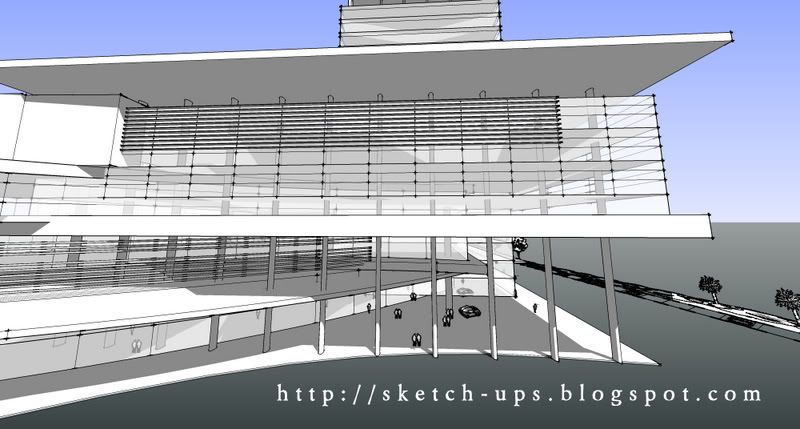
You can just create a simple background in sketch up like what other 3D softwares do, here are the sample of creating a background with black & white effect (hidden line, endpoints = 5).

the background: window > model info > 'table below'


Monday, April 09, 2007

Abandoned Tech Facility by Murali


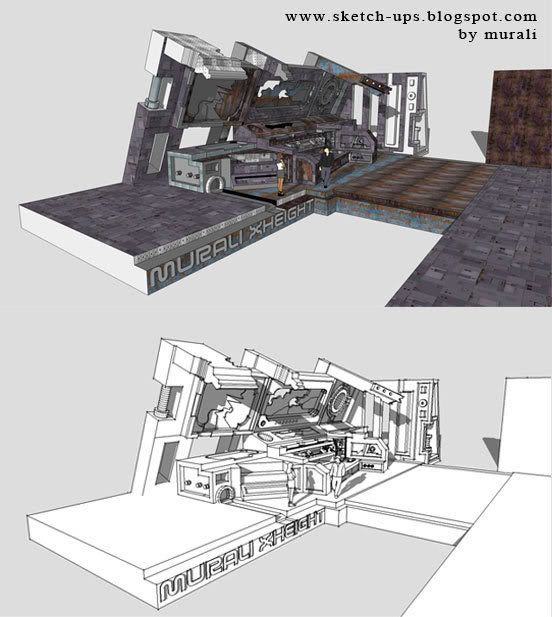
Murali has done a good job, and wanna share his work with us. Thanks again Murali for sharing such a great work here.

Saturday, April 07, 2007

Tuesday, January 16, 2007

3 effects in 1


This is another method of presentation for your sketch up,

3 effects in 1 (can be more than 3 if you want to)

  • wireframe
  • hidden line (Jitter)
  • shared with textured (Jitter)
* touched up in photoshop for joining them together

Friday, December 29, 2006

how to create sketch up JITTER effect


Jitter effect in sketch up

Jitter effect creates sketchy effect to the building by just ticking the box as shown. This is a very powerful tool in the conceptual design stage.

Thursday, December 28, 2006

Shop sample

commercial project by sketch up

Monday, November 13, 2006

Tuesday, October 31, 2006

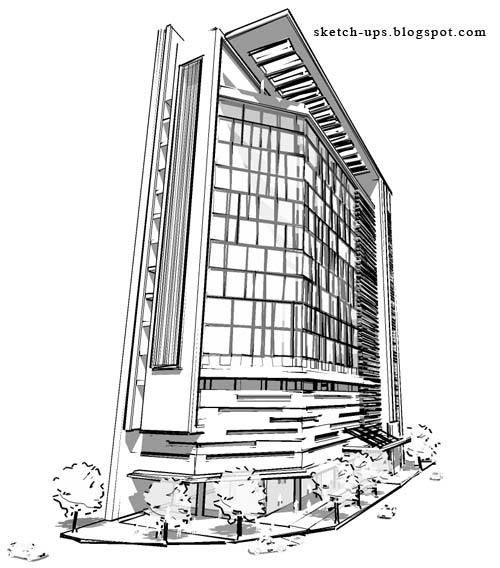
black&white, textured, and jitter effect comparison

the comparison between the sketch up effect:
1. Black & white effect
2. Textured effect
3. Jitter effect

Tuesday, September 19, 2006

Recent Up-date